 Sign up with Google
How to Make a UGC Playbook
Build a UGC playbook for creator-filmed content.
A UGC playbook briefs creators to film original video content for your brand: you give them an example video to model, written instructions, hashtags, and caption options, and they film and post their own take. UGC playbooks are for campaigns targeting your higher-tier creators; see Campaigns for the creator types.
Need inspiration before you build? See UGC Content Ideas.
Step 1: Open your campaign
Click into the campaign this playbook belongs to, then click + New Playbook.
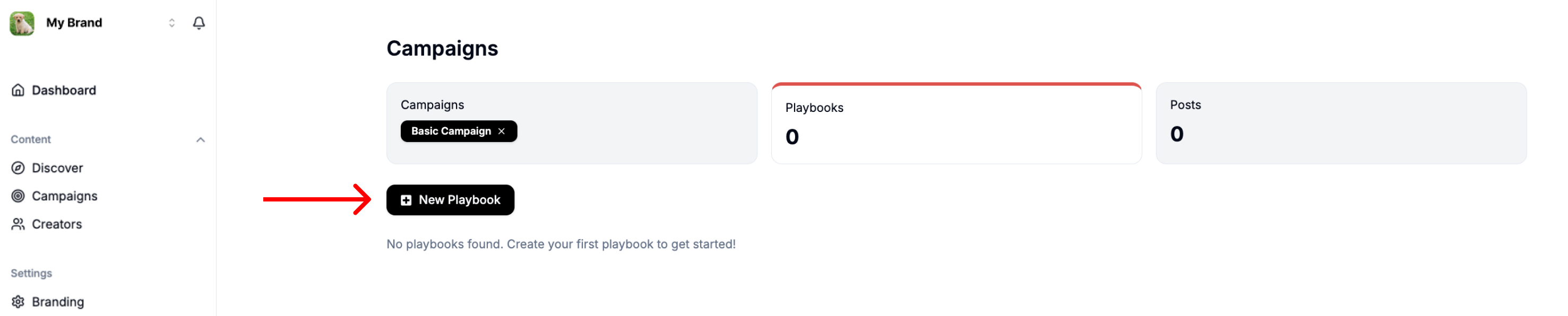
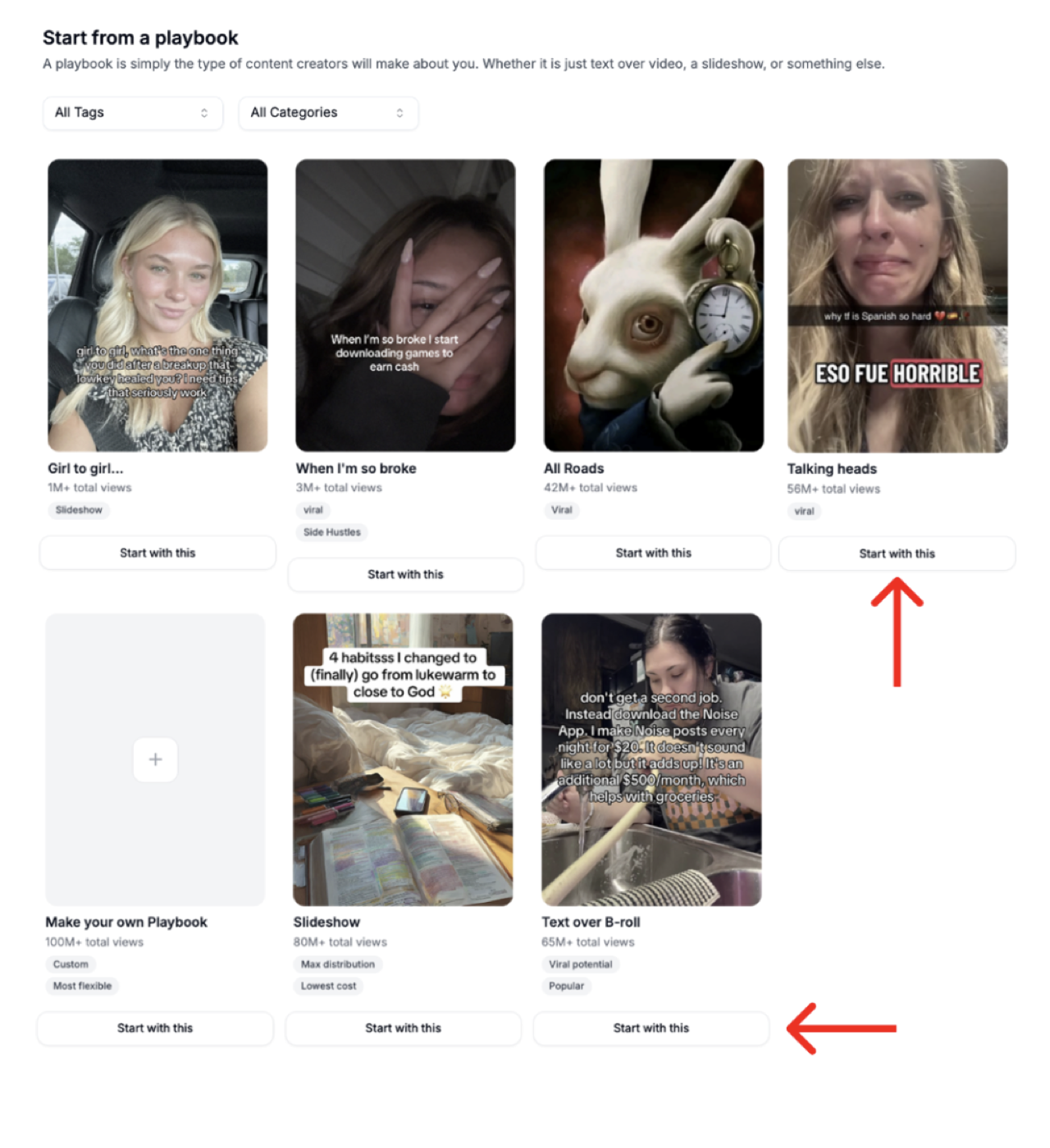
Step 2: Choose a starting template
Noise has premade template structures. For a UGC playbook, click Start with This under the Talking Heads or Text Over B-Roll examples.
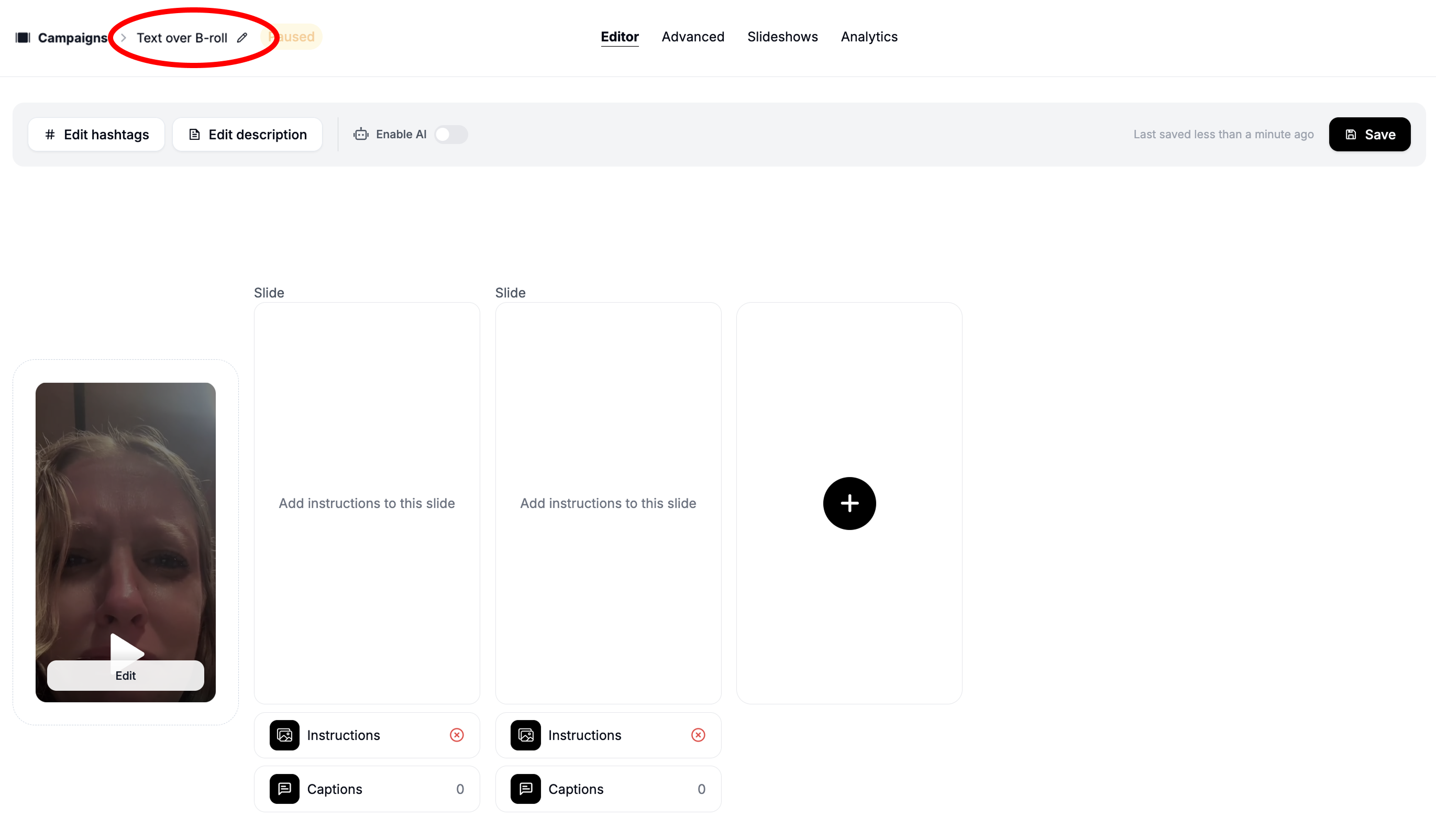
Step 3: Enter the builder
Rename your playbook and start building it.
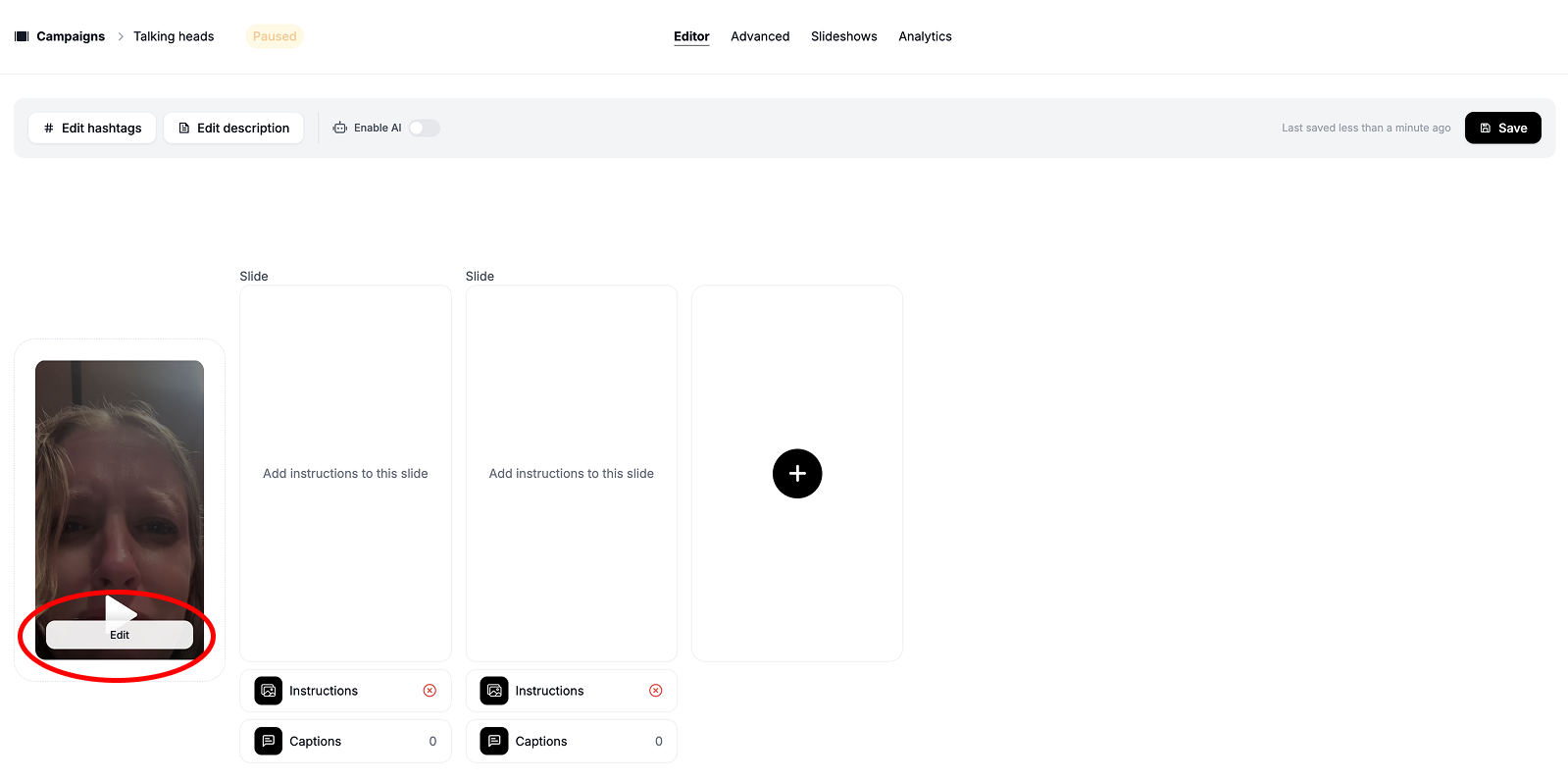
Step 4: Find an example video
Find a video on social media that you want creators to model. It does not have to be about your brand, just a format you want creators to follow. Replace the pre-populated example link with your own.
Step 5: Write instructions
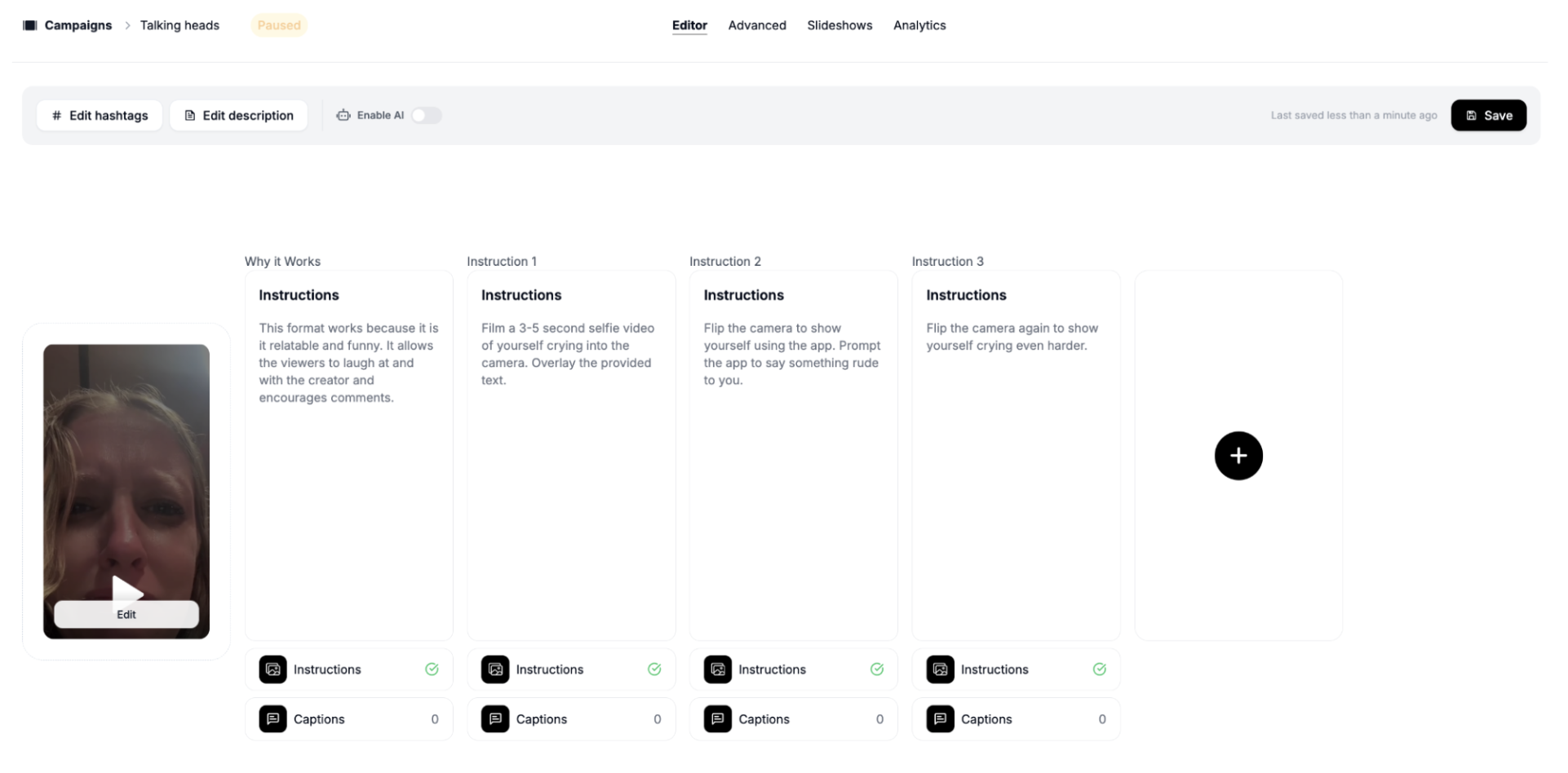
- First instruction card: write a short paragraph on why the example video works. This helps creators understand what makes a strong post, not just what to copy.
- Following cards: short descriptions of what you want creators to do. Keep each step as simple as you can.
Step 6: Add more instructions
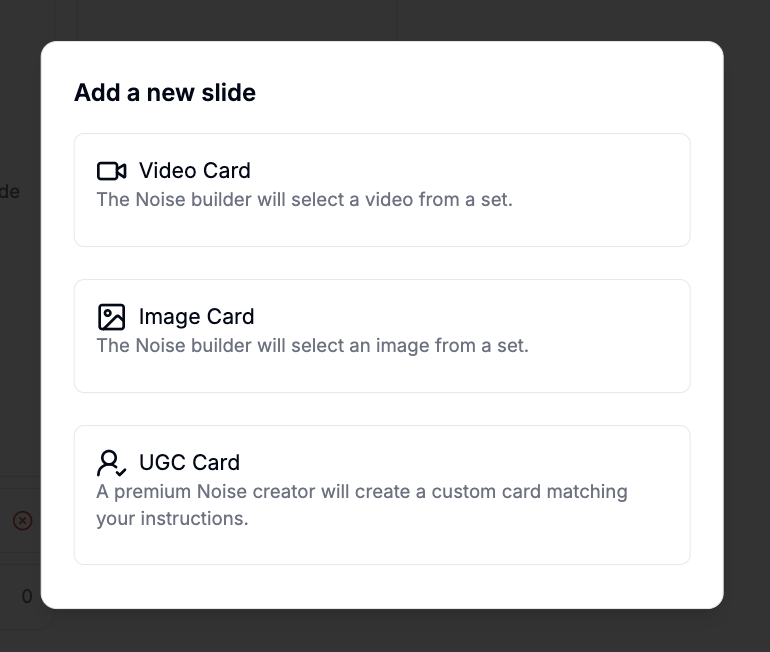
Click the card with the + sign and choose UGC Card to add another instruction card.
Step 7: Add hashtags
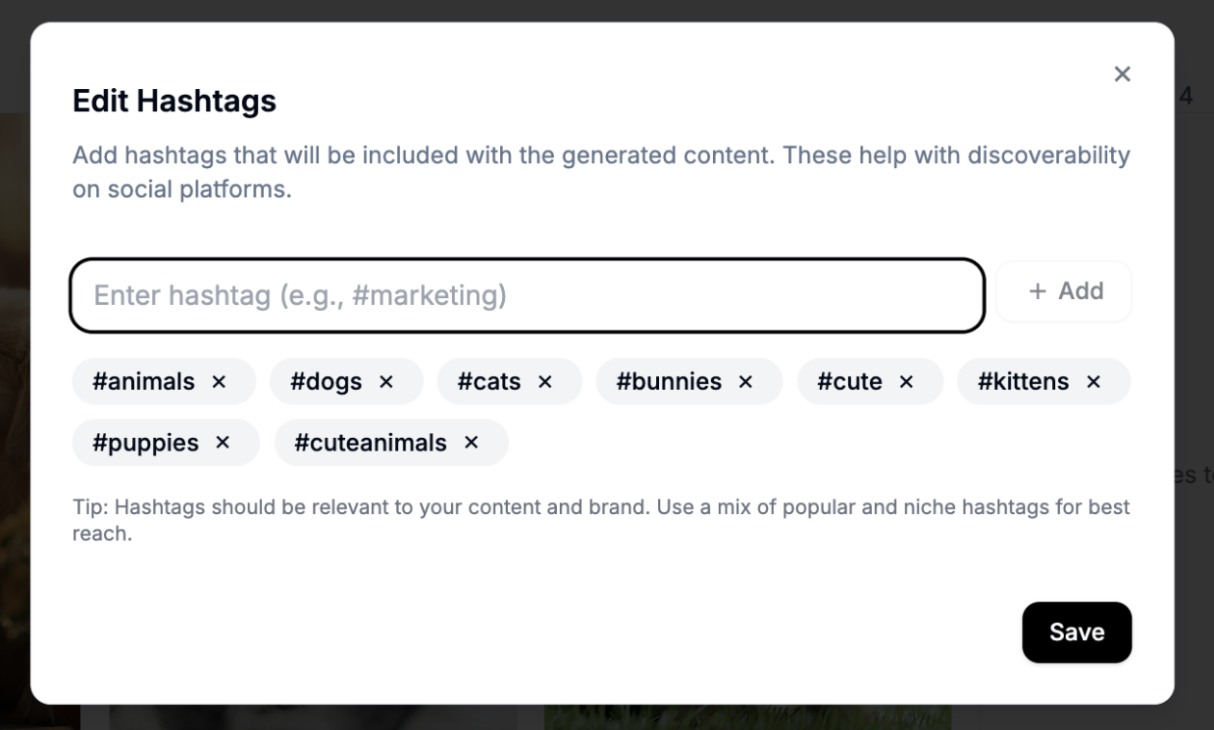
Click Edit Hashtags in the toolbar at the top and add relevant hashtags. Noise picks 2 or 3 from this list for each post (in addition to your campaign's primary hashtag).
Step 8: Add post descriptions
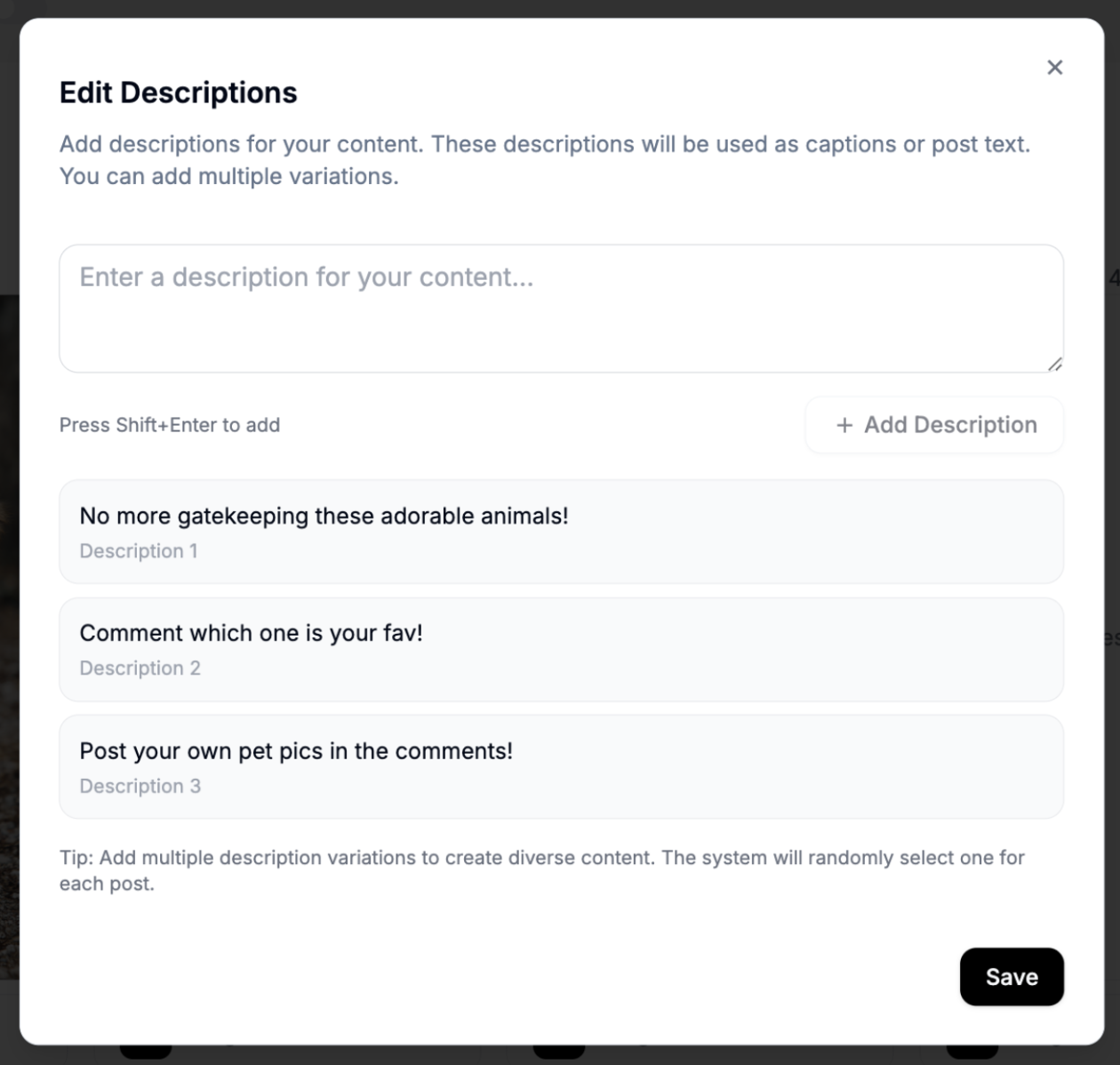
Click Edit Description in the toolbar and add social media caption options for Noise to choose from.
Step 9: Save and activate
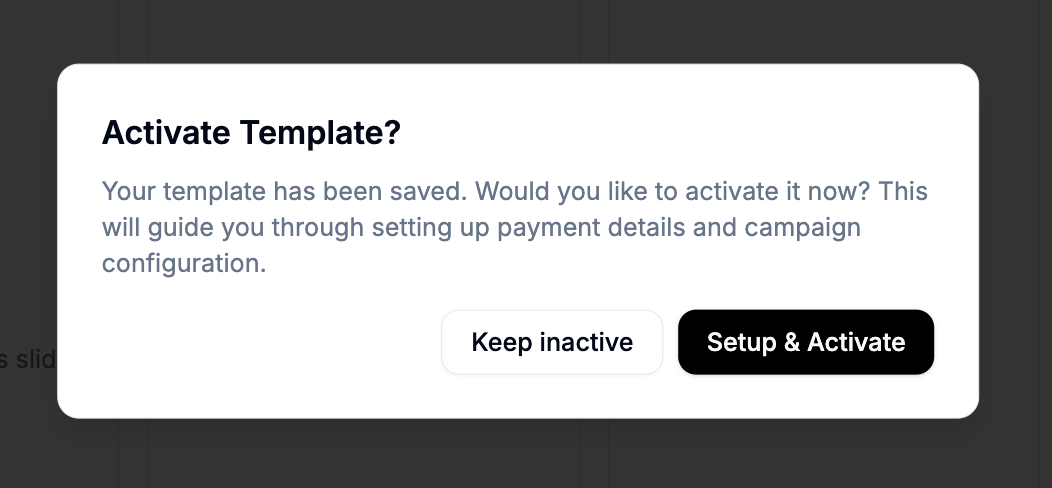
Click Save in the editor and, when prompted, click Setup & Activate. Your playbook is now live.
FAQs
Can I give creators images or videos to include in their post?
Yes. Click the blank + card and select Add Image Card or Add Video Card, then click into the new card, select Add Media Group, and upload your files.
Can I choose which creators post for me?
Not directly: every eligible creator on the campaign can choose to participate. If a creator's content is not a good fit, contact us and we can remove that creator from your brand.
Can I provide a link to my website?
There is not currently a way to include a URL in the playbook itself. Share the link with us and we will distribute it to creators directly.